
Windows Print Troubleshooting
Windows Print Troubleshooting
If you are able to print last year, go to Manage Windows Credentials (to open this press Windows Key + S, and search for windows credential).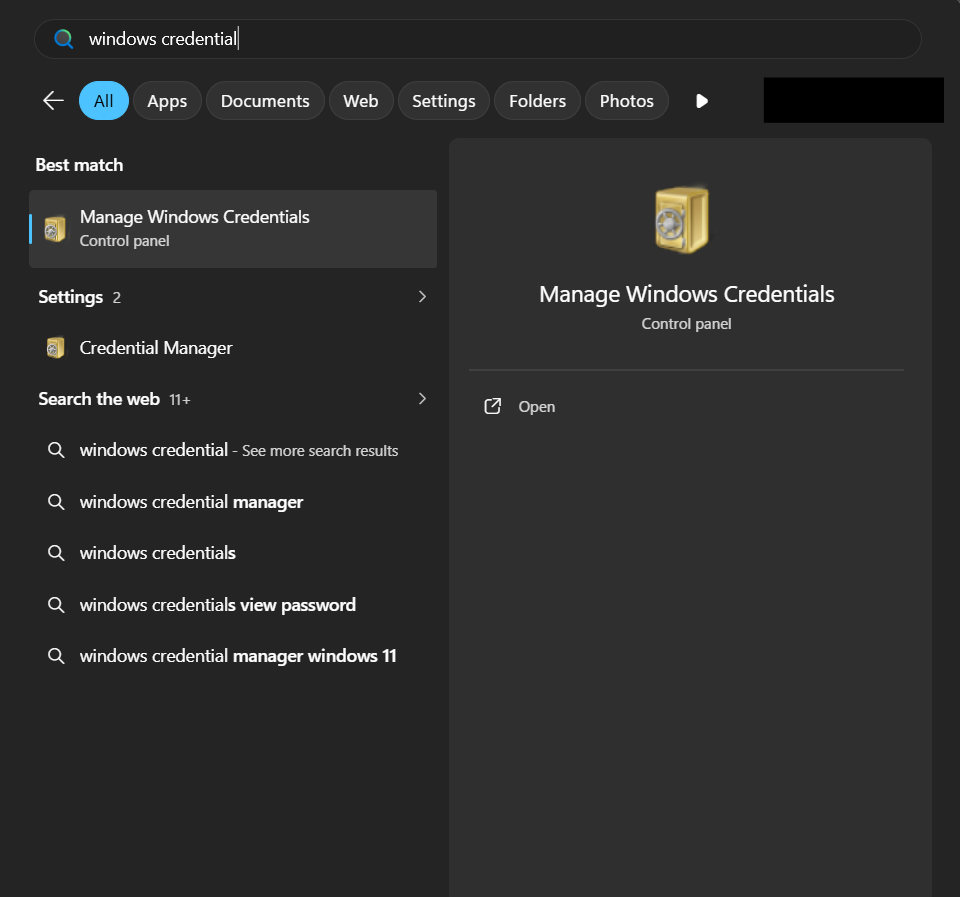
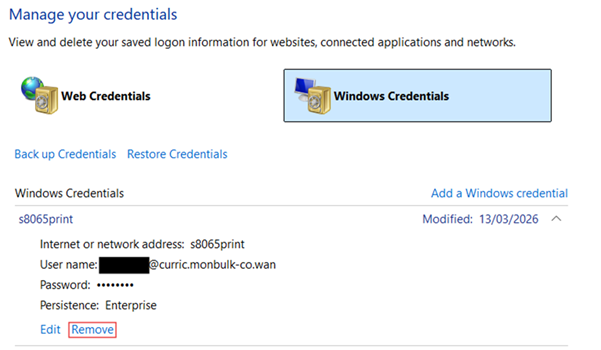
Find the credentials that belong to s8065print and remove them. This is done by clicking the drop down arrow and then clicking on Remove.
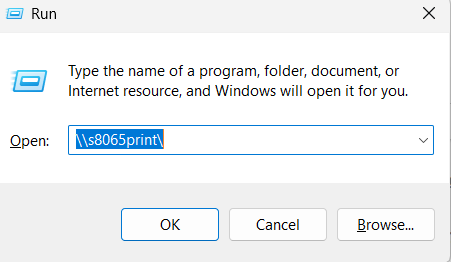
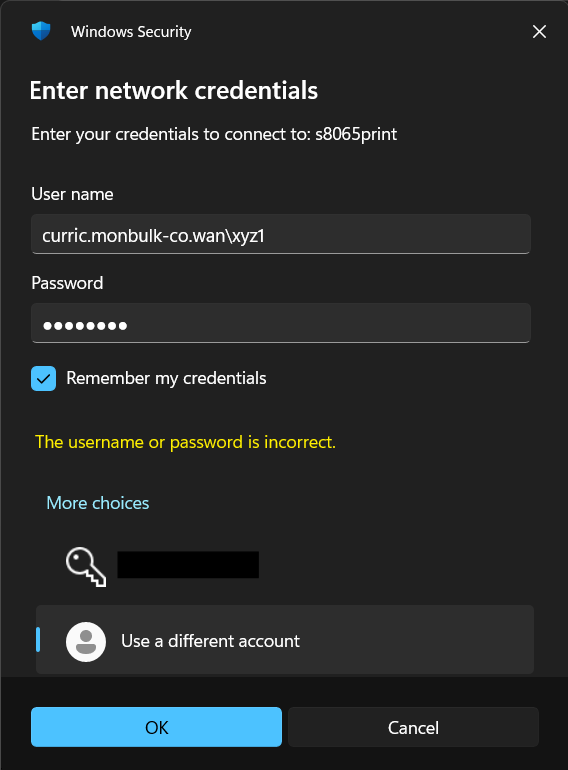
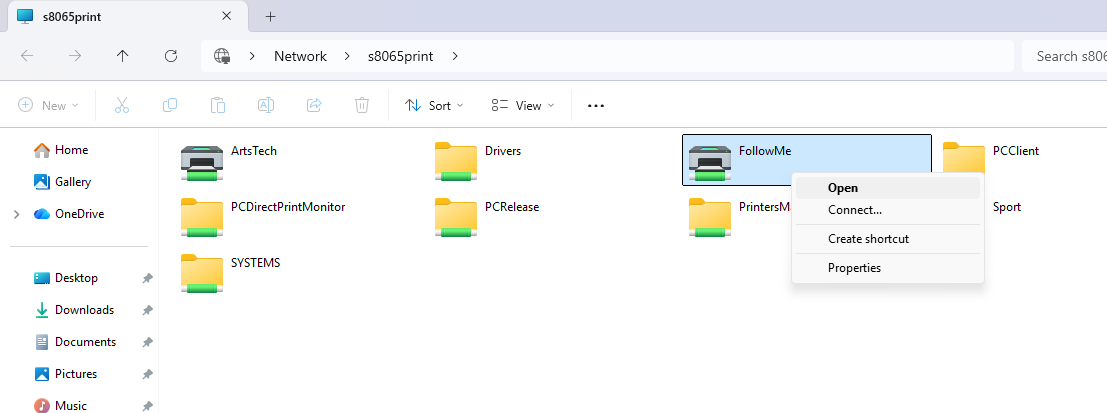
Then to reconnect, press Windows Key + R to open the Run Menu. Enter \\s8065print into the Run Menu and click OK. This will open a login prompt. For the username enter: curric.monbulk-co.wan\STUDENTCODE, and the associated password. This student code is at the start of your email, for example the student code from xyz1@schools.vic.gov.au is xyz1.
© Monbulk College